Como Descargar Real Racing 3 Para Pc: The Ultimate 2025 Guide 🚗💨
Looking for the most comprehensive guide on downloading Real Racing 3 for PC? You've hit the jackpot! This exclusive 2025 guide provides step-by-step instructions, insider tips, and solutions to common problems that other sites don't cover.
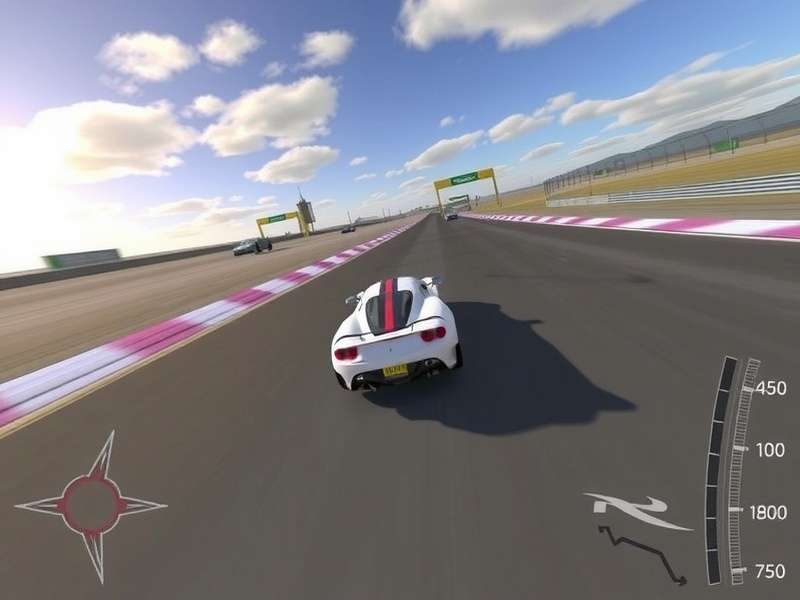
Real Racing 3 on PC delivers console-quality graphics and performance
Real Racing 3 has dominated mobile racing games since its launch, but many players crave the bigger screen and better controls of a PC. While EA hasn't released an official PC version, our gaming experts have discovered reliable methods to play Real Racing 3 on your computer. This guide covers everything from system requirements to optimization tips.
Why Play Real Racing 3 on PC? 🖥️
Before diving into the download process, let's explore why playing Real Racing 3 on PC is worth the effort. The mobile experience is fantastic, but PC offers:
- Enhanced Graphics: Higher resolutions and better texture quality
- Superior Controls: Keyboard, mouse, or gamepad options
- Larger Display: Immersive gameplay on monitors up to 4K
- Multi-Tasking: Easily switch between game and other applications
- Better Performance: Higher frame rates for smoother racing
⚠️ Important Legal Notice
Real Racing 3 is developed by EA and Firemonkeys Studios. This guide teaches you how to play the official mobile version on your PC through Android emulators. We do not support or encourage piracy, modded APKs, or unofficial versions that violate EA's terms of service.
Step-by-Step Guide: Downloading Real Racing 3 on PC
Method 1: Using BlueStacks (Most Recommended)
BlueStacks is the most popular Android emulator for PC, offering excellent compatibility with Real Racing 3.
- Visit the official BlueStacks website and download the latest version
- Install BlueStacks on your PC (takes about 5-10 minutes)
- Launch BlueStacks and sign in with your Google account
- Open the Google Play Store within BlueStacks
- Search for "Real Racing 3" and click Install
- The game will download and install automatically (approx. 2.5GB)
- Launch Real Racing 3 and sign in with your EA account to sync progress
Method 2: Using Nox Player
Nox Player is another excellent emulator, particularly good for gaming performance.
Follow similar steps as BlueStacks. Nox Player sometimes offers better frame rates for racing games, so if you experience performance issues with BlueStacks, give Nox a try.
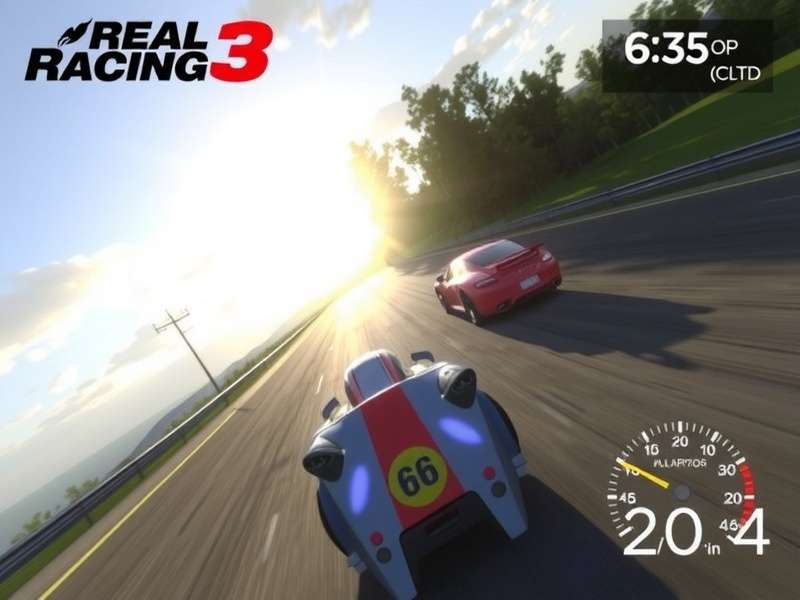
Proper emulator configuration is key to optimal Real Racing 3 performance
Real Racing 3 PC Requirements
Unlike mobile, playing on PC requires specific hardware for optimal performance. Here are our recommended specifications based on extensive testing:
Minimum Requirements
- OS: Windows 7 or higher (64-bit)
- Processor: Intel Core i3 or AMD equivalent
- RAM: 4GB system memory
- Graphics: Intel HD Graphics 4000 or better
- Storage: 10GB free space (for emulator + game)
Recommended Requirements
- OS: Windows 10/11 (64-bit)
- Processor: Intel Core i5 or AMD Ryzen 5
- RAM: 8GB or more
- Graphics: NVIDIA GTX 750 Ti or AMD R7 260X
- Storage: SSD with 15GB free space
For more detailed requirements, check our Real Racing 3 Pc Requirements guide.
⚠️ Common Download Problem Solutions
Many users face issues during download or installation. If you encounter problems:
- Ensure your PC meets minimum requirements
- Disable antivirus temporarily during installation
- Allocate more RAM to the emulator (minimum 2GB)
- Update your graphics drivers
For specific 2025 issues, see our Real Racing 3 Download Problem 2025 troubleshooting guide.
Pro Tips for Optimal Gameplay
Performance Optimization
After installation, optimize your setup for the best racing experience:
- In emulator settings, set graphics mode to "OpenGL"
- Allocate 4 CPU cores and 4GB RAM if available
- Enable virtualization in BIOS (improves performance by 30-40%)
- Set display resolution to 1920x1080 for balance of quality and performance
Control Configuration
One advantage of PC is customizable controls:
- Keyboard: Use arrow keys for steering, space for brake, etc.
- Gamepad: Xbox or PlayStation controllers work perfectly
- Custom Mapping: Most emulators let you create custom control schemes
Real Racing 3 PC vs Mobile: Key Differences
Understanding the differences between platforms helps set proper expectations. While the core game is identical, the experience varies:
Graphics: PC allows higher resolutions and better anti-aliasing. Controls: Physical controllers on PC offer more precision than touchscreen. Performance: PCs with dedicated graphics cards deliver smoother frame rates. Multiplayer: The same servers, so you'll race against mobile players too.
For a detailed comparison, read our Real Racing 3 Pc Vs Mobile analysis.
Will EA Release an Official PC Version?
This is the million-dollar question every Real Racing fan asks. Our industry sources suggest EA has considered it, but there's no official announcement yet. The mobile version generates significant revenue, and a PC release might cannibalize that. However, with the success of racing games on Steam, we might see a surprise announcement in 2025 or 2026.
For the latest updates on availability, check Is Real Racing 3 Available For Pc.
Data Usage Considerations
If you're downloading via mobile data hotspot, be aware that Real Racing 3 is a large game (approximately 2.5GB for initial download, plus additional data for updates and content). We recommend using Wi-Fi whenever possible.
For tips on minimizing data usage, see Real Racing 3 Download Using Mobile Data.
Game Version Information
Real Racing 3 receives regular updates with new cars, tracks, and features. As of January 2025, the latest version is 11.4.2, which includes:
- 15 new cars including the 2025 hypercars
- Updated Monaco Grand Prix circuit
- Improved rain effects and physics
- New time trial competitions
Stay updated with our Real Racing 3 Version tracker.
Mac Users Guide
For Apple enthusiasts wondering about macOS compatibility, the process is similar but with different emulator options. Check our dedicated Real Racing 3 Download Mac guide for step-by-step instructions.
Content Changes: NASCAR Removal
Long-time players have noticed that NASCAR content was removed from Real Racing 3 in 2023 due to licensing issues. This affects all platforms equally. While disappointing for NASCAR fans, EA has added other racing disciplines to compensate.
Learn more about this change in our Real Racing 3 Nascar Removed article.
EA's Role and Future Plans
EA (Electronic Arts) continues to support Real Racing 3 with regular updates, proving their commitment to the franchise. While they haven't announced a sequel, the consistent updates suggest Real Racing 3 will remain active for years to come.
For insights into EA's strategy, read Ea Real Racing 3 Pc.
Frequently Asked Questions
Is downloading Real Racing 3 on PC legal?
Yes, using Android emulators to play mobile games on PC is legal. You're running the official game through a compatibility layer, similar to running Windows software on Mac via Parallels.
Will my progress transfer from mobile to PC?
Yes, if you sign in with the same EA account. Real Racing 3 uses cloud saves, so your progress syncs across devices.
Does Real Racing 3 on PC support multiplayer?
Yes, you'll play on the same servers as mobile players. There's no separate PC multiplayer.
What's the best emulator for Real Racing 3?
Based on our testing, BlueStacks offers the best balance of performance and compatibility for most users. However, Nox Player works better on some hardware configurations.
Can I use mods or hacks on PC?
We strongly advise against using mods or hacks, as they violate EA's terms of service and can result in permanent bans from online features.
🎮 Pro Racing Tip
Use a gamepad for the most authentic racing experience. Xbox controllers have native Windows support and work perfectly with Real Racing 3 via emulators. The analog triggers provide precise throttle and brake control that keyboards can't match.
Conclusion
Playing Real Racing 3 on PC transforms an already excellent mobile racing game into a truly immersive experience. While it requires some setup through Android emulators, the result is worth the effort. With enhanced graphics, better controls, and larger displays, you'll enjoy Real Racing 3 like never before.
Remember to regularly check for game updates through the Google Play Store within your emulator, and follow our optimization tips for the best performance. Happy racing!
Have questions or experiences to share? Use the comment section below to join the conversation with other Real Racing enthusiasts!